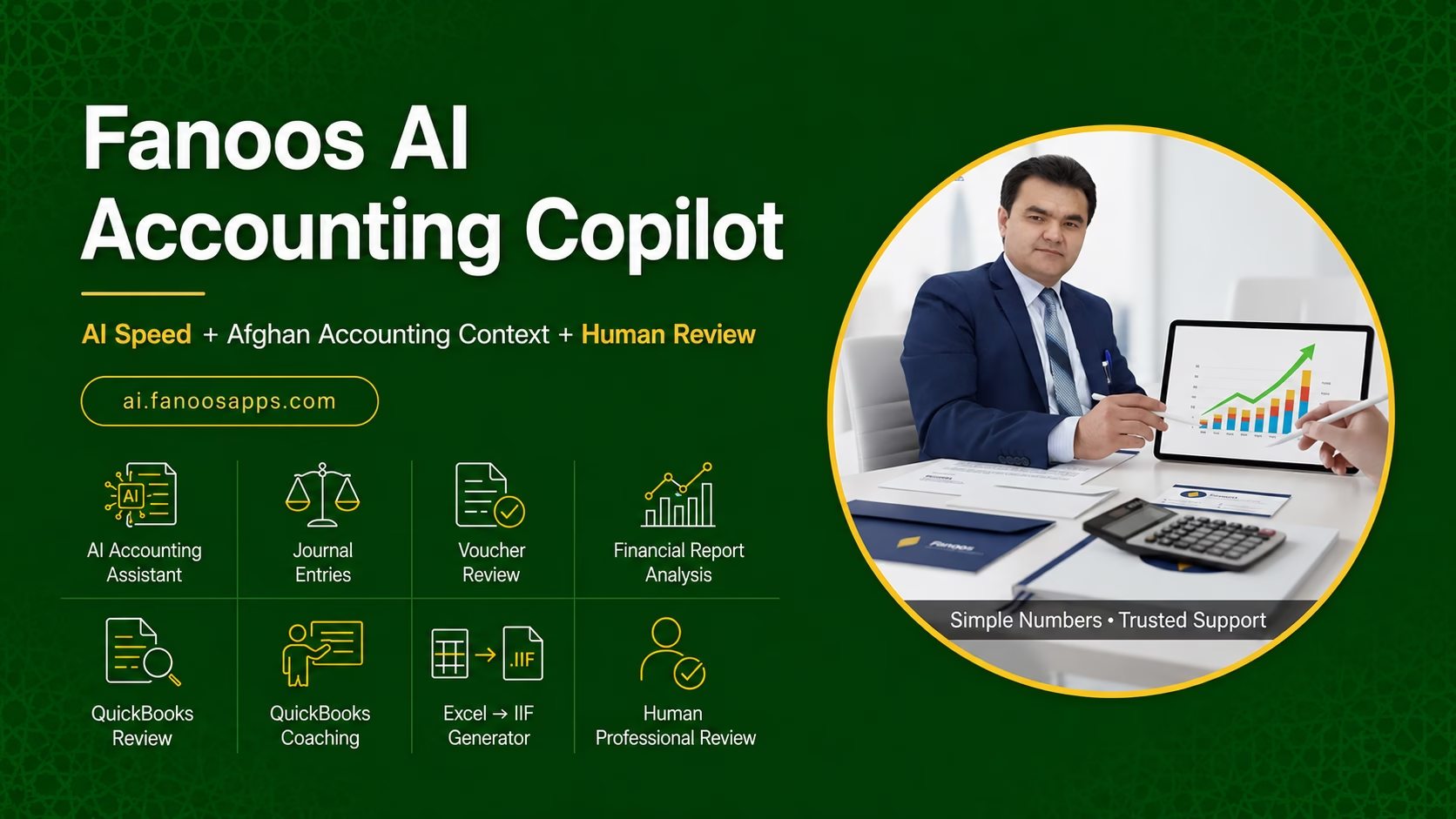
Fanoos AI Accounting Copilot

Introducing Fanoos AI Accounting Copilot: Your Intelligent Accounting Assistant

AI Speed + Afghan Accounting Context + Fanoos Professional Review


At Fanoos Accounting Services, we have spent over 14 years helping Afghan businesses, NGOs, and international organizations manage their finances with accuracy and integrity. Today, we are taking a major step forward.

We are proud to introduce Fanoos AI Accounting Copilot (FAIAC) – a bilingual (Dari/English) AI-powered accounting assistant designed specifically for the Afghan market. This is not a generic chatbot. It is a professional accounting tool built on our deep understanding of local accounting practices, combined with the power of artificial intelligence, and backed by the trusted expertise of Fanoos Accounting Services.


What is Fanoos AI Accounting Copilot?

FAIAC is an intelligent copilot that works alongside you – not to replace you, but to make you faster, more accurate, and more confident in your accounting work. Whether you are a business owner, an accountant, a finance team member, or an NGO finance officer, FAIAC helps you prepare, understand, and review accounting information with AI speed and professional oversight.

Key principle: AI generates recommendations. Human accountants approve important decisions. This is accounting with AI, not AI without accountability.


Six Core Modules

1. AI Accounting Assistant

Describe a transaction in Dari or English, and the AI recommends the debit and credit accounts, suggests a journal entry, identifies the transaction category, and lists the supporting documents required. It also provides a plain-language explanation of the accounting treatment – all in the language you prefer.

2. Journal Entry Assistant

A guided workflow that helps you prepare accurate journal entries. Enter the transaction details, and the AI suggests the appropriate accounts and amounts, explains the reasoning, and highlights any risks or uncertainties. You can save drafts, export summaries, or escalate for professional review.

3. Voucher & Document Reviewer

Upload a voucher, invoice, or expense document. The AI checks for completeness – missing dates, missing approvals, calculation inconsistencies, duplicate references, and unusual information. It classifies the document as Complete, Needs Attention, Missing Information, Possible Risk, or Human Review Recommended, and provides clear recommendations.

4. Financial Report Explainer

Upload a financial report or enter key figures manually. The AI provides:

  • Plain-language summary

  • Variance explanations

  • Cash-flow observations

  • Key ratios (Gross Margin, Net Profit Margin, Current Ratio, Debt-to-Equity, etc.)

  • Unusual balances

  • Questions management should investigate

  • Practical recommendations

5. QuickBooks & Bookkeeping Coach

Get step-by-step guidance on QuickBooks workflows: company setup, chart of accounts, invoices, bills, bank feeds, reconciliation, payroll journal entries, month-end review, and common bookkeeping errors. The coach provides practical, actionable advice – not just theory.

6. Human Professional Review

When AI-generated analysis requires professional confirmation, you can escalate any case to the Fanoos Accounting Services team. A qualified accountant reviews the case, provides professional comments, and confirms the outcome. AI speed, human trust.


Who Is It For?

User How FAIAC Helps
Business Owners Understand financial reports without advanced accounting knowledge. Identify missing documents before month-end. Get answers in Dari and English. Know when professional assistance is necessary.
Accountants & Bookkeepers Prepare journal entries faster. Review vouchers consistently. Draft report explanations. Learn QuickBooks procedures. Reduce repetitive questions from clients.
NGOs & Organizations Apply standardized voucher-review checklists. Identify documentation weaknesses. Prepare management-review questions. Train finance employees consistently.
Students & Trainees Practise real accounting cases. See journal entries with explanations. Improve professional accounting English. Learn the reasoning behind debit and credit decisions.

Benefits for Your Accounting Practice

Faster preparation. The AI handles routine analysis, draft journal entries, voucher checks, and report summaries. You focus on interpretation and strategic advice.

Better review. Consistent, structured reviews reduce errors and missed items. The AI checks for completeness and flags risks before you do.

Bilingual support. Work in Dari or English. Switch languages anytime. Professional accounting terminology in both languages.

Human oversight. AI recommends. Fanoos accountants confirm. You are never alone in important decisions.


The Future of Accounting Jobs with AI

The accounting profession is changing rapidly – and this is a change to embrace, not fear.

The demand for AI skills is exploding. In January 2026, 30% of accountant job roles mentioned AI skills, up from 18% in January 2025 – a 67% increase. Finance and accounting professionals who learn to work with AI tools are already earning 25% to 40% more than those who have not.

AI is not replacing accountants. It is reshaping the role. Routine, transactional tasks are being automated. Human expertise is shifting toward oversight, interpretation, and strategic judgment. Accountants who embrace AI become advisors, not just data processors.

Emerging skills for the future accountant include: AI fluency, prompt engineering, data analytics, systems integration, and automation governance. Tools like Fanoos AI Accounting Copilot are designed to help you develop these skills while you work – learning by doing.

The opportunity is now. Firms are hiring “tech-first” accountants. The gap between those who understand AI and those who do not is growing fast. Fanoos AI Accounting Copilot puts AI-powered accounting tools in your hands today, so you can build the skills that tomorrow’s employers are looking for.


Built for Afghanistan, Backed by Fanoos

FAIAC is not a generic AI tool. It is built by an Afghan firm with 14+ years of experience serving NGOs, businesses, and institutions in Afghanistan. It understands Afghan accounting practices, tax considerations, and the real-world challenges of working in Afghanistan. And it is backed by the professional review team at Fanoos Accounting Services – the same team that has been trusted by clients from Australia, the United States, the United Kingdom, Canada, and Afghanistan.


Get Started

Website: ai.fanoosapps.com

Professional support: Fanoos Accounting Services

Contact: admin@fanoosaccounting.com | +93 (0) 704 995 790


AI-generated advice requires professional verification. Standard disclaimer shown wherever AI results appear.

QuickBooks is a trademark of Intuit Inc. This platform is independent and not affiliated with Intuit.
QBES24

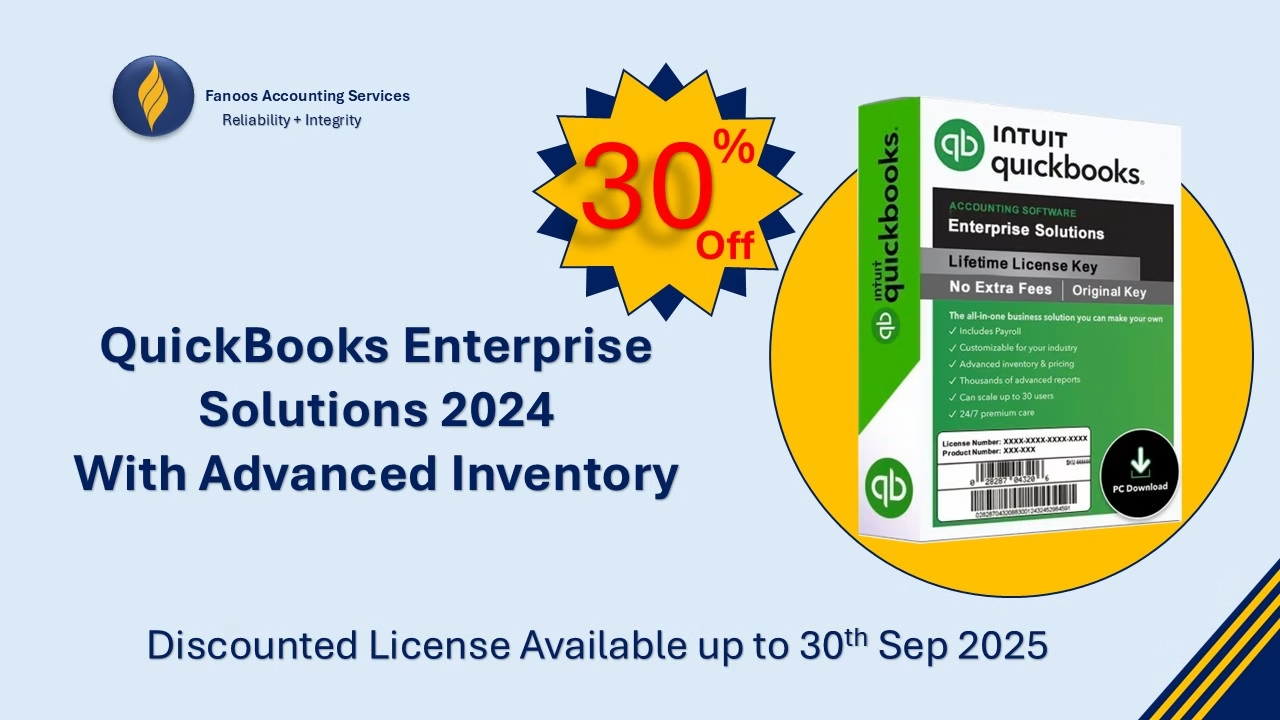
🚀 Special Offer: QuickBooks Enterprise Solutions 2025 with Advanced Inventory!

Fanoos Accounting Services is excited to bring you an exclusive 30% discount on QuickBooks Enterprise Solutions 2025 with Advanced Inventory Feature!

Manage your business like a pro—track inventory, streamline operations, and gain deep insights into your financials with the most powerful QuickBooks version yet.

Why Choose QuickBooks Enterprise 2025 with Advanced Inventory?

  • Real-time inventory tracking and reporting

  • Multi-location inventory management

  • Advanced pricing, reorder, and stock alerts

  • Powerful financial reporting to drive smarter decisions

  • Seamless integration with QuickBooks ecosystem

🎯 Limited-Time Offer:

  • Discount: 30% off

  • Valid Until: Sep 30th, 2025, 11:59 PM (Kabul Time)

Don’t miss this opportunity to upgrade your business operations and save!

Contact Us Today to claim your license and enjoy full support, installation, and training from our experts.

WhatsApp: +96897416438

Secure Cloud Backup Solutions with Fanoos Accounting Services

Powered by iDrive – Reliable, Scalable, and Affordable

At Fanoos Accounting Services, we understand how critical your data is. Whether you are a business, nonprofit organization, or an individual professional, protecting your information is essential for smooth operations, compliance, and peace of mind.

That’s why we have partnered with iDrive, a global leader in cloud storage and backup solutions, to bring you secure, flexible, and cost-effective data backup services. Through our official iDrive Reseller Program, we help our clients move confidently to the cloud with complete support.

👉 Create your own drive here:
Get Started with iDrive Cloud Backup


Why Choose iDrive with Fanoos Accounting Services?

When you sign up through our portal, you don’t just get a subscription—you gain a full support package from our expert team. We provide end-to-end assistance to ensure your transition to the cloud is smooth and your data is always safe.

Our Free Value-Added Services:

Account Setup – We create and configure your iDrive account for seamless access.
System Setup – Installation and integration across your devices and servers.
Training – Step-by-step guidance for you and your team on how to use iDrive effectively.
Backup Setup – Customized backup scheduling to fit your business or personal needs.
Data Restoration Support – Fast and reliable assistance whenever you need to recover files.


Key Benefits of iDrive Cloud Backup

  • Secure & Encrypted – Industry-standard encryption ensures your data remains private and protected.

  • Cross-Platform Support – Backup and sync data across PCs, Macs, iOS, Android, and servers.

  • Versioning & Snapshots – Keep multiple versions of your files and restore when needed.

  • Scalable Plans – Storage that grows with your requirements.

  • Disaster Recovery – Quick recovery options to minimize downtime in case of data loss.

  • Affordable Pricing – Pay less while enjoying enterprise-grade security and reliability.


Who Can Benefit?

  • Businesses & Startups – Protect customer data, accounting files, and operational records.

  • Nonprofit Organizations – Ensure critical donor and project files are always safe.

  • Educational Institutions – Safeguard research data, reports, and student records.

  • Freelancers & Professionals – Secure important client documents, creative work, and portfolios.

  • Individuals – Protect personal files, family photos, and sensitive documents.


Get Started Today

Start protecting your valuable data with iDrive through Fanoos Accounting Services. Our team will be with you every step of the way—from setup to ongoing support.

👉 Click here to sign up now:
Join iDrive with Fanoos Accounting Services

Your Data. Safe. Accessible. Always.

QuickBooks Business Network

Learn about the QuickBooks Business Network

The QuickBooks Business Network lets you connect with your customers and vendors. By connecting, you can send invoices to your customers through the network, and receive bills from your vendors directly in your QuickBooks. They’re ready to review and pay, so you don’t have to manually create bills. Also, the contact info for your connections will stay up-to-date if they make changes in their QuickBooks. These automation tools help you streamline workflows, better predict cash flow, and reduce manual entry tasks.

Note: QuickBooks Online Accountant users may search the QuickBooks Business Network to find contacts or change network visibility within their clients’ QuickBooks Online accounts. However, QuickBooks Online Accountant contact information (that is, the file labeled “Your Books”) isn’t published in the QuickBooks Business Network, so the search and visibility experience isn’t available for this group of QuickBooks customers.

Verify your business contact details

After you send or accept a QuickBooks Business Network invitation, your customer-facing contact information is shown to your customer or vendor. Be sure to update your contact details so that your connections have accurate information about you:

  1. Sign in to QuickBooks Online as an admin as a Primary admin or Admin (Company admin).
  2. Go to Settings ⚙ and select Account and settings.
  3. Select the Company tab.
  4. Update the following contact information, if needed:
    • Company name
    • Customer-facing email
    • Company phone
    • Website
    • Customer-facing address
  5. Select Save, then Done.

Add contacts in the QuickBooks Business Network

You can search the Business Network and add contacts by selecting New customer or New vendor in QuickBooks Online. Here’s how it works:

  • Type the name of a business in the Company name field and results from the QuickBooks Business Network appear.
  • Select a business from the list and the form populates with the business’ website, city, state, and ZIP code from their customer-facing address. The business’ customer-facing email, phone number, and full address are partially masked until an invitation to connect is sent or accepted.
  • You can also manually add contact details for your customer or vendor. However, changing the information in any of the fields with a link Image of the link icon. will stop automatic updates from the QuickBooks Business Network if the business later changes their contact details.
  • Finish by selecting Save and send request at the bottom of the form. This adds the business to your Customer or Vendor List, and sends the business an email invitation to connect. You can also receive invitations to connect from the QuickBooks Online app on your iOS or Android device.
  • If your customer or vendor accepts the invitation, their partially masked business contact details will be unmasked and you’ll be able to send and receive invoices through the network.

Use automation powered by the QuickBooks Business Network

The QuickBooks Business Network also powers the Accounts Payable (AP) automation feature. When you send an invoice to a customer you’re connected to via the QuickBooks Business Network, the invoice is emailed, and also appears automatically in their QuickBooks account as a bill to review and pay. Likewise, you’ll be able to add bills from your vendors automatically once you’re connected.

Learn more about Accounts Payable automation.

Manage your connections and invitations

You can remove a connection or withdraw an invitation at any time. Here’s how:

  1. Sign in to your QuickBooks Online account.
  2. Do one of the following:
  3. Select the Business Network icon Image of the QuickBooks Business Network icon or the invitation sent badge Image of the Invite sent badge.
  4. Select Remove, then Remove.

The business remains a saved contact in your Customer or Vendor List. Invoices that are sent or received between you and the saved contact will no longer go through the Business Network.

Manage your QuickBooks Business Network visibility

If you don’t want your business searchable in the QuickBooks Business Network, you can change your network visibility. Here’s how:

  1. Sign in to your QuickBooks Online account.
  2. Go to Settings Settings gear icon., then select Account and settings.
  3. Select the Advanced tab.
  4. Select Business Network, then select Off.
  5. Select Save, then Done.

Once you change your visibility to “Off”, QuickBooks Online customers won’t be able to find your business if they search the QuickBooks Business Network. However, you can still search the QuickBooks Business Network for your customers and vendors, send invitations to connect, and use the AP Automation feature. Your connections made before turning off your visibility will still have your customer-facing contact information and can use the AP Automation feature to send/receive invoices through the QuickBooks Business Network. However, they will no longer get your updated contact details if you make a change in your account settings.

Keep your data safe and secure

QuickBooks is committed to protecting your privacy. For more information about how we keep your data secure, visit our Privacy and Security Center.

Use of the QuickBooks Business Network for spam, marketing, or other activities which violate applicable Intuit Terms of Service is strictly prohibited. You may only view and connect with other QuickBooks Business Network members located in your geography. All Business Information is provided by QuickBooks Online customers and is not independently verified or endorsed by Intuit. Intuit reserves the right to limit your use of the QuickBooks Business Network, including your ability to connect with other members and be listed in the network per our Intuit Terms of Service.

QBO Limits

Learn about QuickBooks Online usage limits

  • Billable users: 1 user.
  • Non-billable users: 2 accountant firm users. Reports-only and time tracking-only users are not available for this subscription.
  • Classes and locations (combined): Not available for this subscription.
  • Chart of accounts: Maximum of 250 accounts.
  • Custom fields: 1 per transaction.
  • QuickBooks Commerce Accounting: Maximum of 1 sales channel connected.
  • Billable users: 3 users.
  • Non-billable users: 2 accountant firm users. Unlimited time tracking only users. Reports-only users are not available for this subscription.
  • Classes and locations (combined): Not available for this subscription.
  • Chart of accounts: Maximum of 250 accounts.
  • Custom fields: 4 per transaction.
  • QuickBooks Commerce Accounting: Maximum of 3 sales channels connected.
  • Billable users: 5 users.
  • Non-billable users: 2 accountant firm users. Unlimited time tracking-only and reports-only users.
  • Classes and locations (combined): 40 combined classes and locations.
  • Chart of accounts: Maximum of 250 accounts.
  • Custom fields: 4 per transaction.
  • QuickBooks Commerce Accounting: Unlimited sales channels can be connected.
  • Billable users: 25 users.
  • Non-billable users: 3 accountant firm users. Unlimited time tracking-only, and reports-only users.
  • Classes and locations: Unlimited classes and locations.
  • Chart of accounts: Unlimited accounts.
  • Custom fields: 12 per transaction.
  • QuickBooks Commerce Accounting: Unlimited sales channels can be connected.

QuickBooks Online Glossary

Master QuickBooks Online with Fanoos

If you want to become more professional in accounting and financial management with QuickBooks Online, understanding its terminology is a key first step. Many accountants and business owners face challenges simply because they are not familiar with the core concepts and terms used in the system.

At Fanoos Accounting Services, we have prepared this comprehensive QuickBooks Online Glossary to help you:

  • Clearly understand QuickBooks Online’s key terms and features.
  • Learn and work with the software more easily and efficiently.
  • Stay ahead in your accounting and financial management career.

This resource is free to access and serves as a practical guide at your fingertips. We encourage you to download it now from our website and take your QuickBooks skills to the next level!

Accounting Advisory

Free 30-Minute Accounting Advisory Sessions
We offer complimentary 30-minute accounting advisory sessions every day for individuals and organizations. Our expert guidance covers a wide range of topics, including:

  • Afghanistan Income Tax compliance and filing
  • Bookkeeping best practices
  • QuickBooks (Online & Desktop) setup and usage
  • Development of financial policies and procedures
  • Capacity-building support for finance and admin staff

Please Note:
Each individual or organization is entitled to one free 30-minute session per month. Additional sessions beyond this limit will be subject to applicable charges. Book your free session today to get tailored advice for your personal or business financial needs. Click Here!

Or Scan QR Code: 

IFAC’s Global Survey of SMEs

International Federation of Accountants – Wikipedia

Dear colleague,

We’re writing to request your support for IFAC’s global survey of small- and medium-sized enterprises (SMEs) about their use of sustainability-related information.

Please forward this email to senior individuals working at your SME clients and encourage them to complete the short (10–15 minute) survey.

The survey is available HERE.

Our goal is to better understand the extent to which sustainability-related information is being prepared by SMEs, used by SMEs in internal decision-making, or provided to supply chains, lenders, or other stakeholders.

Please see this short video for more information.

The survey is open in seven languages (Arabic, Chinese, English, French, Portuguese, Spanish, and Turkish).

Should you have any questions, or for further information, please e-mail ChristopherArnold@ifac.org and DavidMadon@ifac.org.

Sincerely,

Christopher Arnold, Director, IFAC
David Madon, Director, IFAC

IFAC’s Global Survey of SMEs

International Federation of Accountants – Wikipedia

Dear colleague,

We’re writing to request your support for IFAC’s global survey of small- and medium-sized enterprises (SMEs) about their use of sustainability-related information.

Please forward this email to senior individuals working at your SME clients and encourage them to complete the short (10–15 minute) survey.

The survey is available HERE.

Our goal is to better understand the extent to which sustainability-related information is being prepared by SMEs, used by SMEs in internal decision-making, or provided to supply chains, lenders, or other stakeholders.

Please see this short video for more information.

The survey is open in seven languages (Arabic, Chinese, English, French, Portuguese, Spanish, and Turkish).

Should you have any questions, or for further information, please e-mail ChristopherArnold@ifac.org and DavidMadon@ifac.org.

Sincerely,

Christopher Arnold, Director, IFAC
David Madon, Director, IFAC

Free QuickBooks eBook Download:

The Definitive Guide to Digitalizing Your Small Business with Cloud Accounting

Is your business still stuck in piles of paperwork, manual data entry, or outdated desktop software? It’s time to transform your operations and unlock the power of cloud accounting.

At Fanoos Accounting Services, we’ve created the ultimate step-by-step guide to help small business owners, entrepreneurs, and accounting professionals embrace digital transformation — without the stress.

🎯 What You’ll Learn Inside This Free Guide:

  • ✅ Why digitalizing your business is no longer optional in today’s market

  • ✅ The top benefits of cloud accounting for small businesses

  • ✅ A comparison of leading cloud software: QuickBooks Online, Xero, MYOB

  • ✅ How to move your data securely to the cloud

  • ✅ Practical case studies from Afghan businesses

  • ✅ Expert tips for implementation, automation, and cost reduction

💡 Whether you run a retail shop, education center, NGO, manufacturing unit, or service business, this guide is tailored to meet your needs — especially in environments where security, cash-based transactions, and remote work are essential.


🔽 Download the Guide for Free

Start digitalizing your business today. Gain insights trusted by hundreds of Afghan and international companies.

👉 Download Now


Why Fanoos Accounting Services?

We’re not just consultants — we’re your partners in growth. From QuickBooks implementation and training to full-scale financial outsourcing, we’re on a mission to empower Afghan businesses with modern, efficient, and ethical accounting systems.

🌐 Visit us regularly for new resources, training, and free workshops.

PHP Code Snippets Powered By : XYZScripts.com